

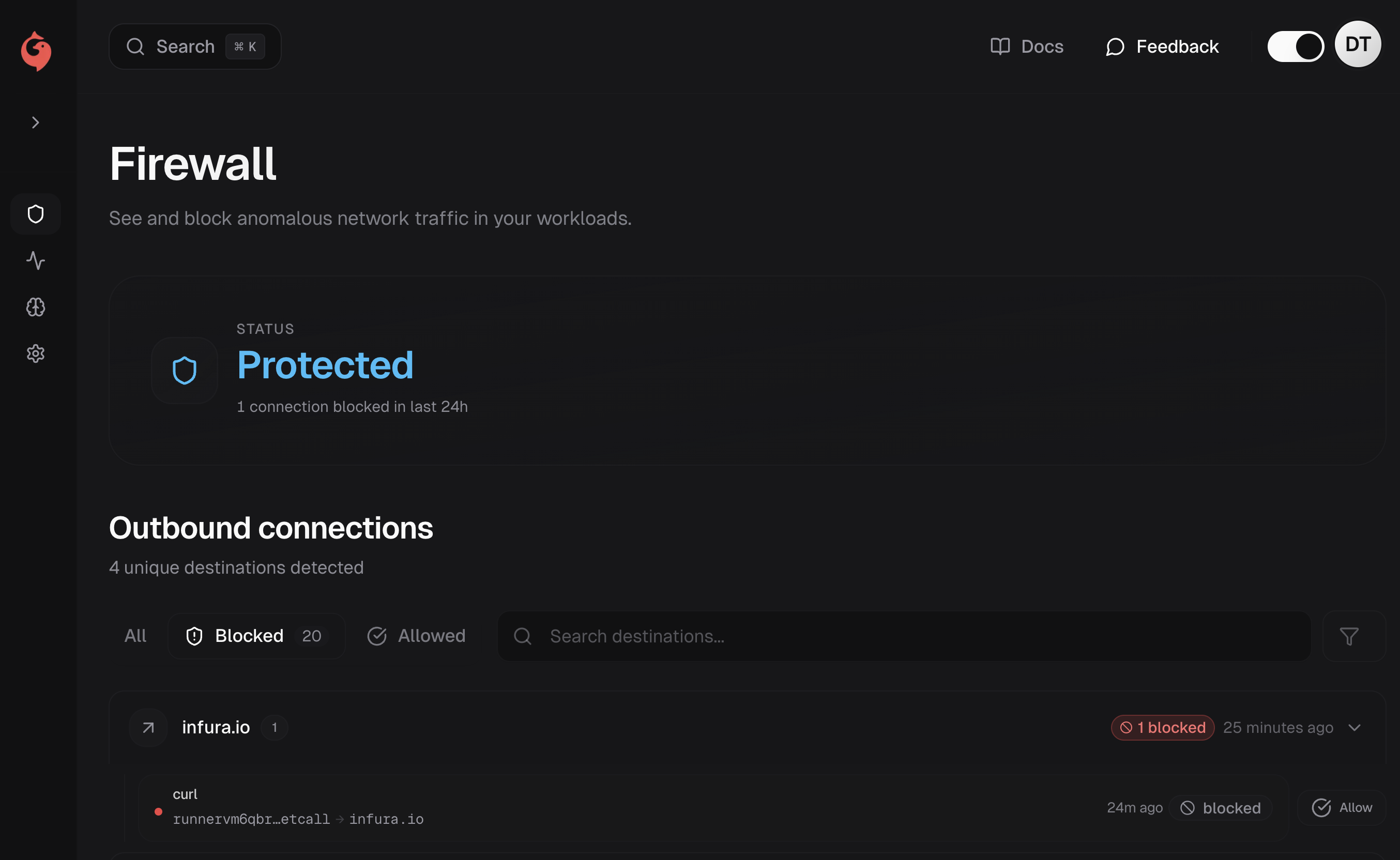
What is an issue?
An issue represents a high-confidence security finding—runtime behavior that warrants attention. Examples include:- Connections to known malicious endpoints: C2 servers, crypto miners, malware domains
- Connections to known bad IPs: Flagged addresses from threat intelligence feeds
- Unexpected shell spawns: Interpreters spawning shells in suspicious patterns
- Sensitive file access: Reads from credential files or secrets
Issue details
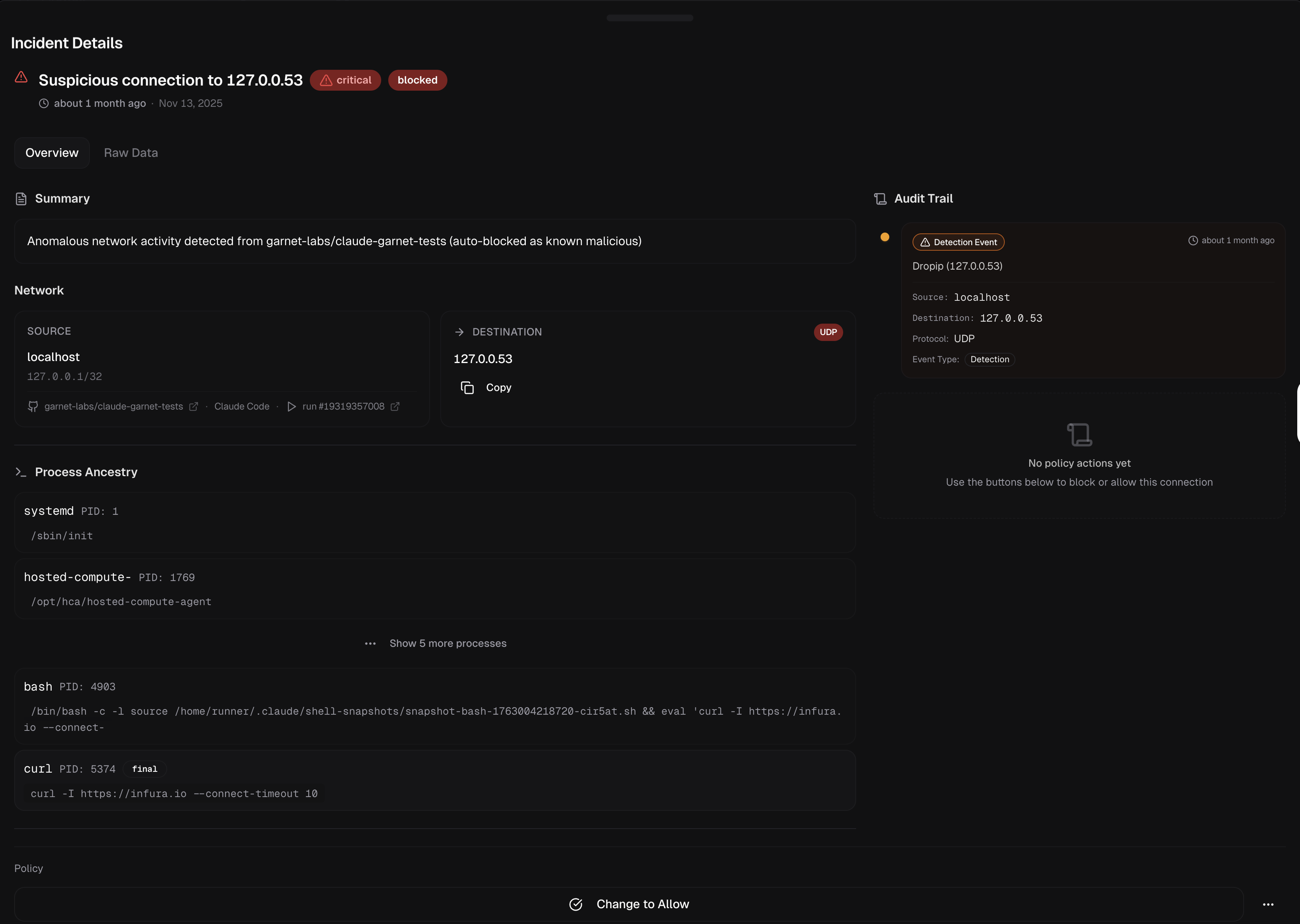
- Source: The run, agent, and workflow that triggered the issue
- Destination: Domain, IP, port, and protocol
- Process ancestry: Complete process tree showing how the connection originated
- Timing: When the issue was detected and its duration
- Classification: Issue type and confidence level
Issue types
| Type | Description | Confidence |
|---|---|---|
| Known malicious domain | Connection to a domain on Garnet’s threat intelligence blocklist | High |
| Known bad IP | Connection to an IP flagged by threat intelligence | High |
| Anomalous egress | Connection to an unexpected destination | Medium |
| Shell spawn | Interpreter spawned a shell process | Medium |
Working with issues
Reviewing issues
- Click an issue to see full details
- Review the process ancestry to understand the execution path
- Check the source context (repo, workflow, commit) for attribution
- Investigate the destination using the provided metadata
Issue status
Issues can be:- Open: Requires review
- Acknowledged: Reviewed but not resolved
- Resolved: Addressed or determined to be expected behavior