Slack
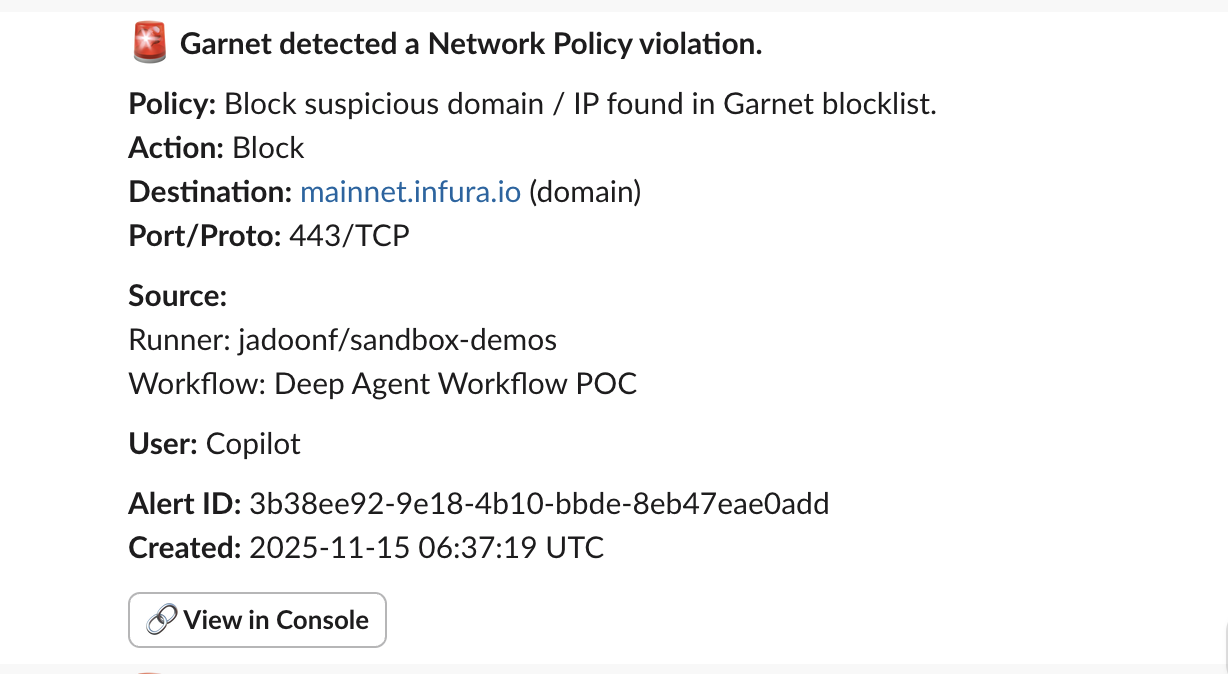
To send alerts to a specific channel, create an Incoming Webhook in Slack:- Create a new Slack app (from scratch) and select your workspace.
- In the app settings sidebar, select Incoming Webhooks and toggle it On.
- Click Add New Webhook to Workspace, select your target channel, and authorize.
- Copy the generated Webhook URL (starts with
https://hooks.slack.com/...).
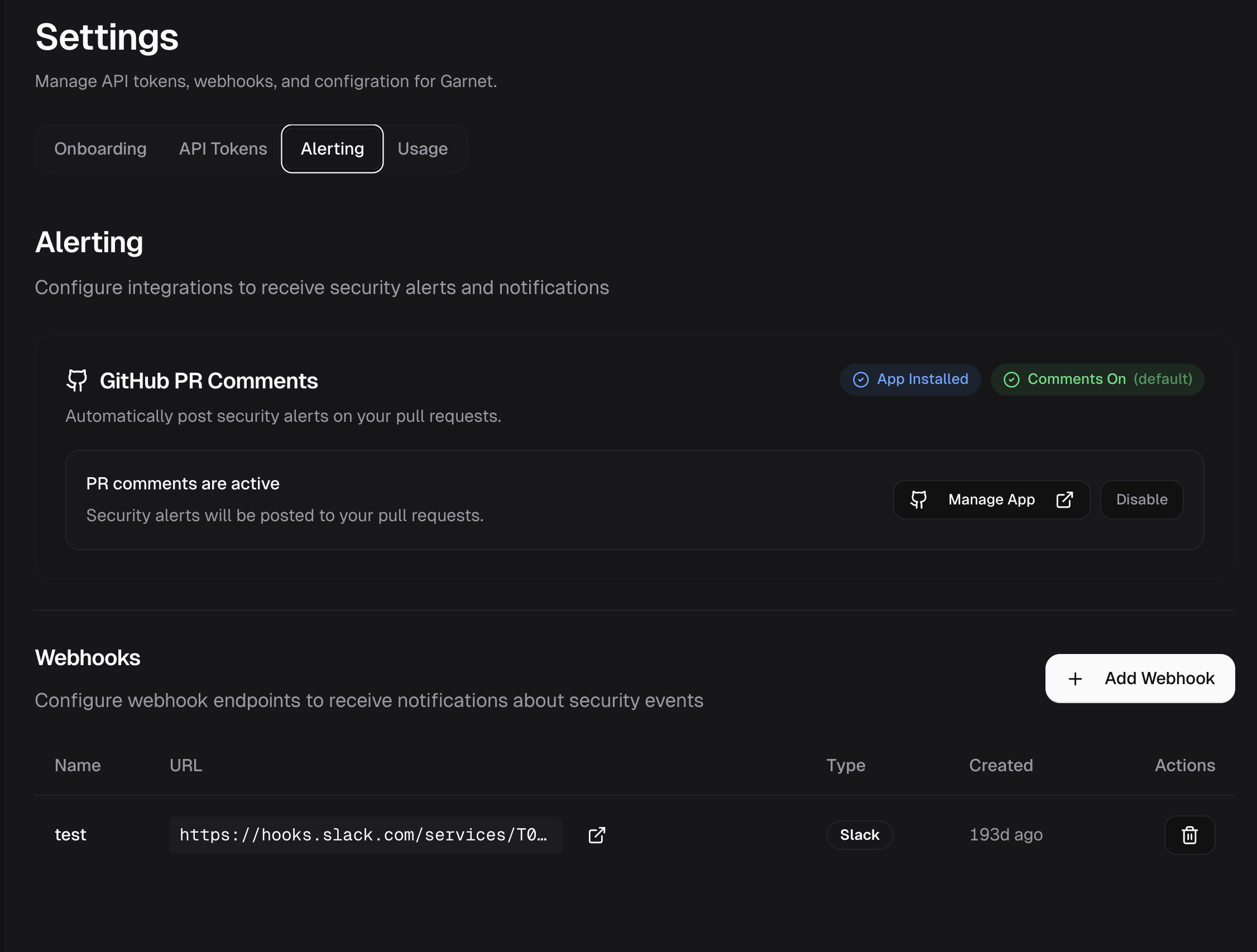
- Go to Settings → Alerting.
- Click Add Endpoint and paste your Slack Webhook URL.
GitHub PR Comments
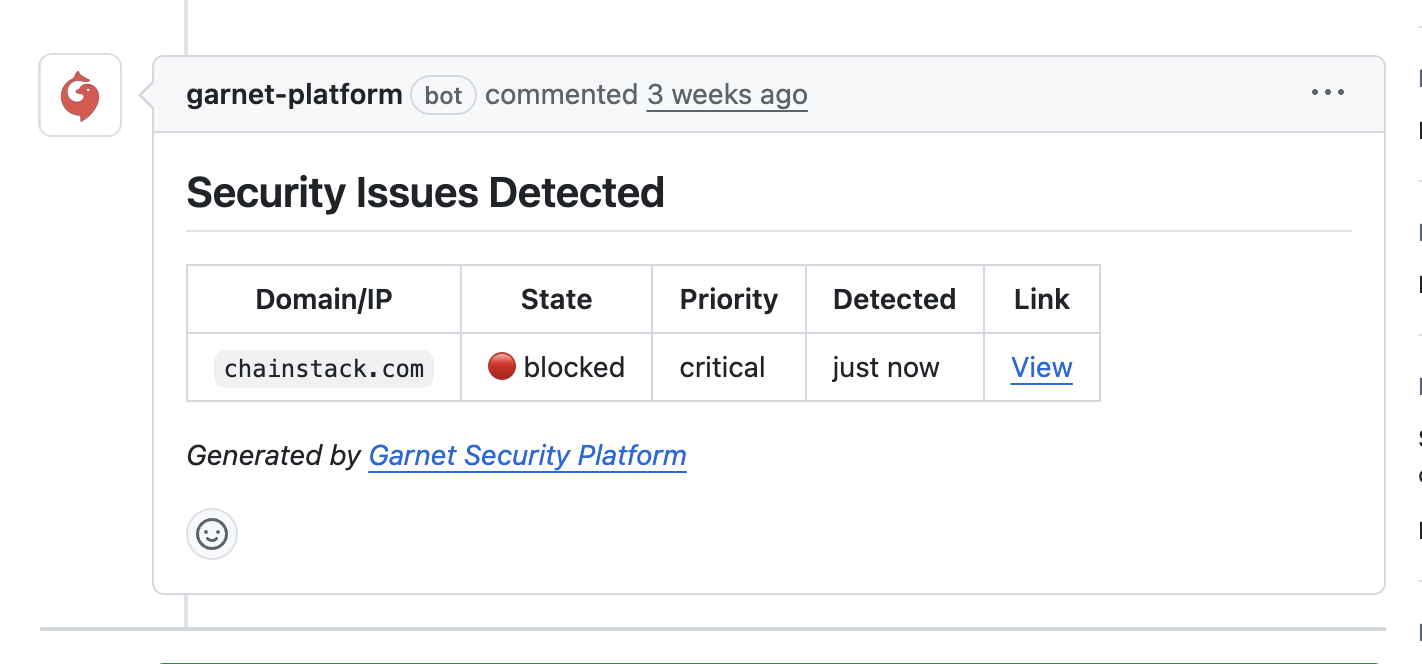
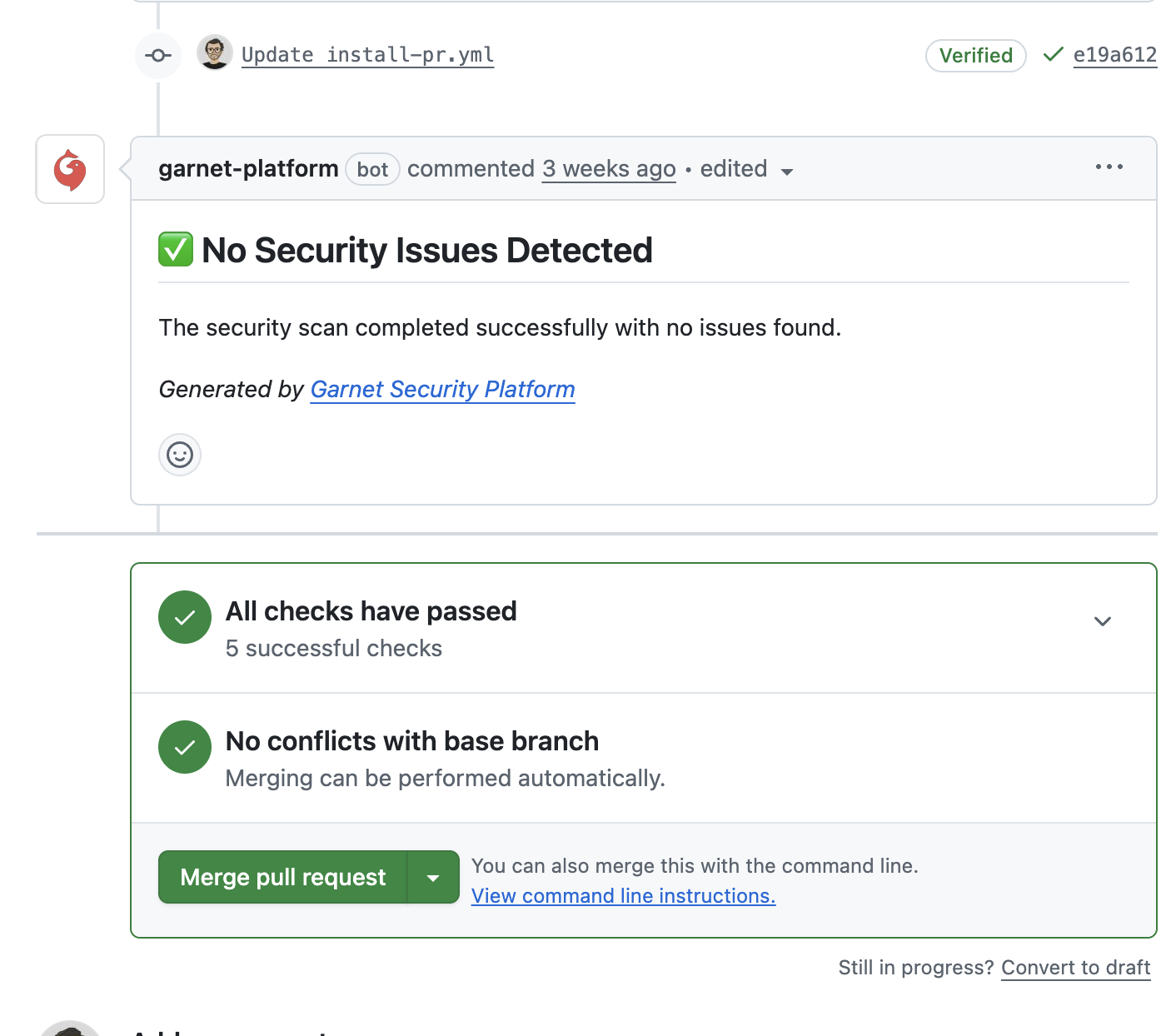
Get in-line feedback during code reviews. When Garnet detects anomalous egress in your CI runs, it comments directly on the pull request with details about the suspicious connection.Prerequisites:
- Install the Garnet Platform App on your repositories.
- Comments only appear for
pull_requestevents.