

Garnet publishes results through multiple channels — no extra configuration needed for GitHub, optional setup for Slack and HTTP webhooks.Documentation Index
Fetch the complete documentation index at: https://docs.garnet.ai/llms.txt
Use this file to discover all available pages before exploring further.
GitHub (automatic)
Every monitored run automatically produces:- PR comment — check results and egress summary posted directly on the pull request (requires
pull-requests: writepermission) - Job Summary — runtime report with check results, egress table, and a link to the full profile. See GitHub Actions → Job Summary.
Webhooks
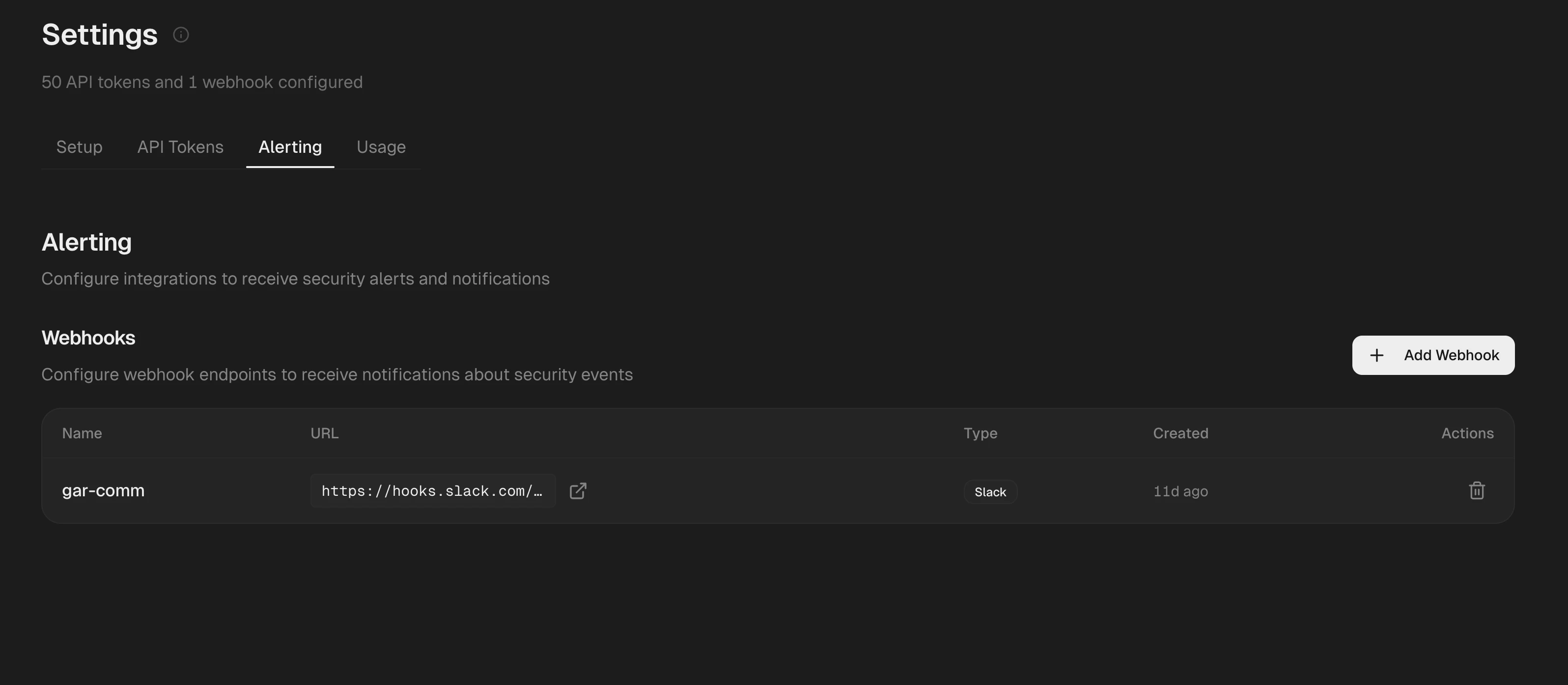
POST with a JSON payload containing the run ID, repository, check results, and flagged domains.
Settings overview
| Section | What it covers |
|---|---|
| Setup | Onboarding links and quickstart guides |
| API Tokens | Create, view, and revoke project tokens |
| Alerting | Slack and HTTP webhook configuration |
| Usage | Run counts and agent metrics |